
Download Ashampoo Burning Studio 26 – burning software, CD burning, DVD burning, Blu-ray burning, data backup, media creation, audio CD, video disc, disc cover design, file distribution, backup utility, multimedia tool
Overview
Ashampoo Burning Studio 26 is a comprehensive media creation and data management tool designed for users who need reliable, feature-rich software for burning digital content to optical media. The application supports CD, DVD, and Blu-ray disc formats, enabling users to archive, distribute, and preserve data, music, and video projects. Its primary purpose is to simplify the process of creating and managing multimedia content while ensuring data integrity through advanced backup and protection features. The software caters to both novice users seeking straightforward tools and experienced creators requiring advanced customization options.
Real-world use cases include backing up personal photo collections, creating professional-looking video discs for events, producing custom audio CDs for music sharing, and distributing large files across multiple discs. The software also serves as a utility for users maintaining digital archives or preparing media for presentation. Despite its extensive functionality, Ashampoo emphasizes usability, offering an intuitive interface that reduces the learning curve. The developer, Ashampoo, is known for delivering practical, well-structured software solutions in the Windows ecosystem. The app plays a significant role in preserving digital content in an era where physical media remains relevant for long-term storage and compatibility.
Key Features & Functionality
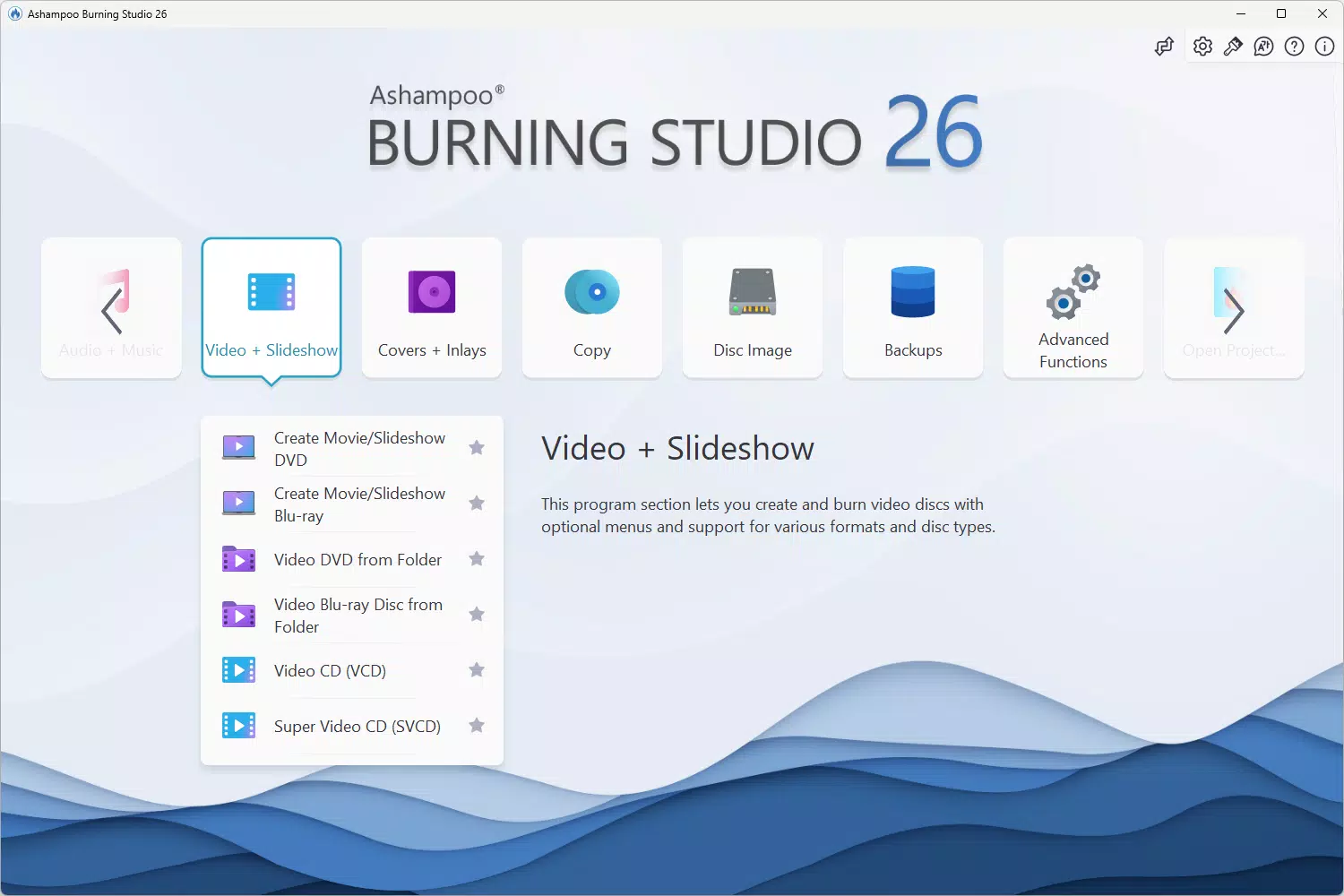
- Multimedia Project Creation: Users can create video discs, slideshows, and movies with built-in editing tools. The software supports adding animated menus, intros, and outros, allowing for polished, professional results without requiring external video editing software.
- Advanced Audio Management: The program enables the creation and copying of audio CDs, as well as ripping music and audiobooks. Automatic track naming and cover art search help maintain an organized digital music library.
- Comprehensive Cover Studio: With a wide selection of templates, users can design custom disc covers and booklets. The feature supports direct printing onto discs, enhancing the visual appeal of physical media.
- Easy File Distribution: Large files and data sets can be split automatically across multiple discs. This ensures efficient distribution and prevents data loss, especially useful for backup or sharing large collections.
- Smart Backup Options: The backup module allows users to back up individual files or entire devices such as smartphones and tablets. Intelligent planning tools help schedule and manage backup tasks efficiently.
For example, a photographer can use the file distribution feature to split a high-resolution photo album across several DVDs, ensuring each disc remains manageable. Similarly, a home user can create a custom video disc with a personalized menu for a family reunion, complete with background music and animated transitions. The integration of backup and data protection features makes the software valuable for users concerned about data longevity and recovery.
Interface, UX & Performance
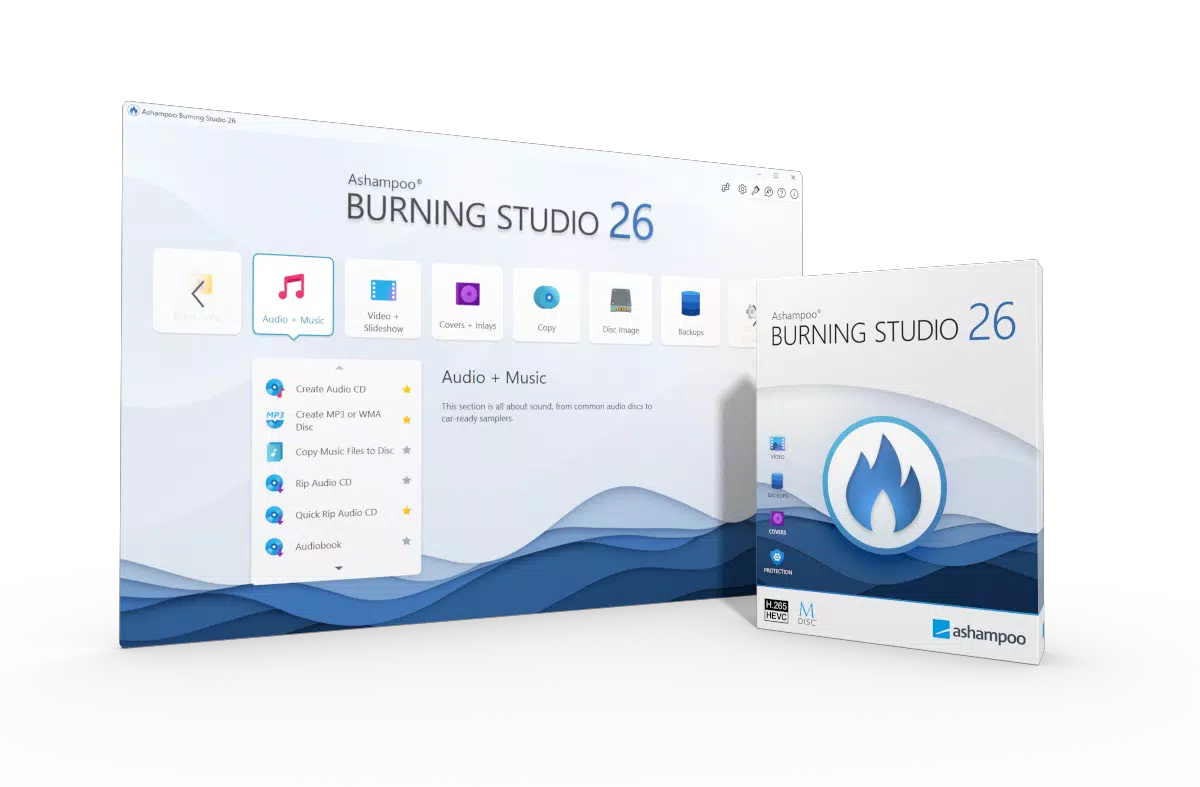
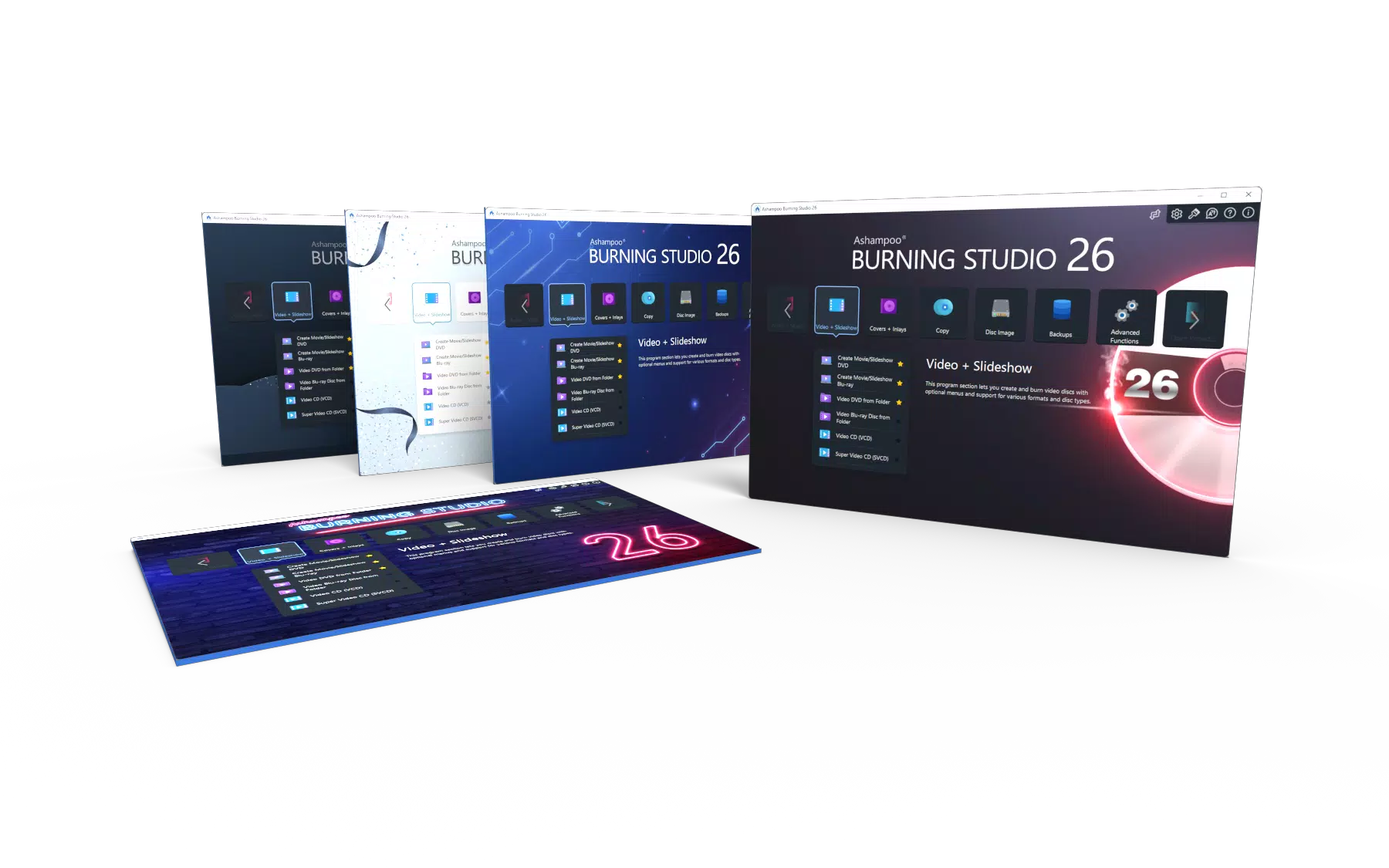
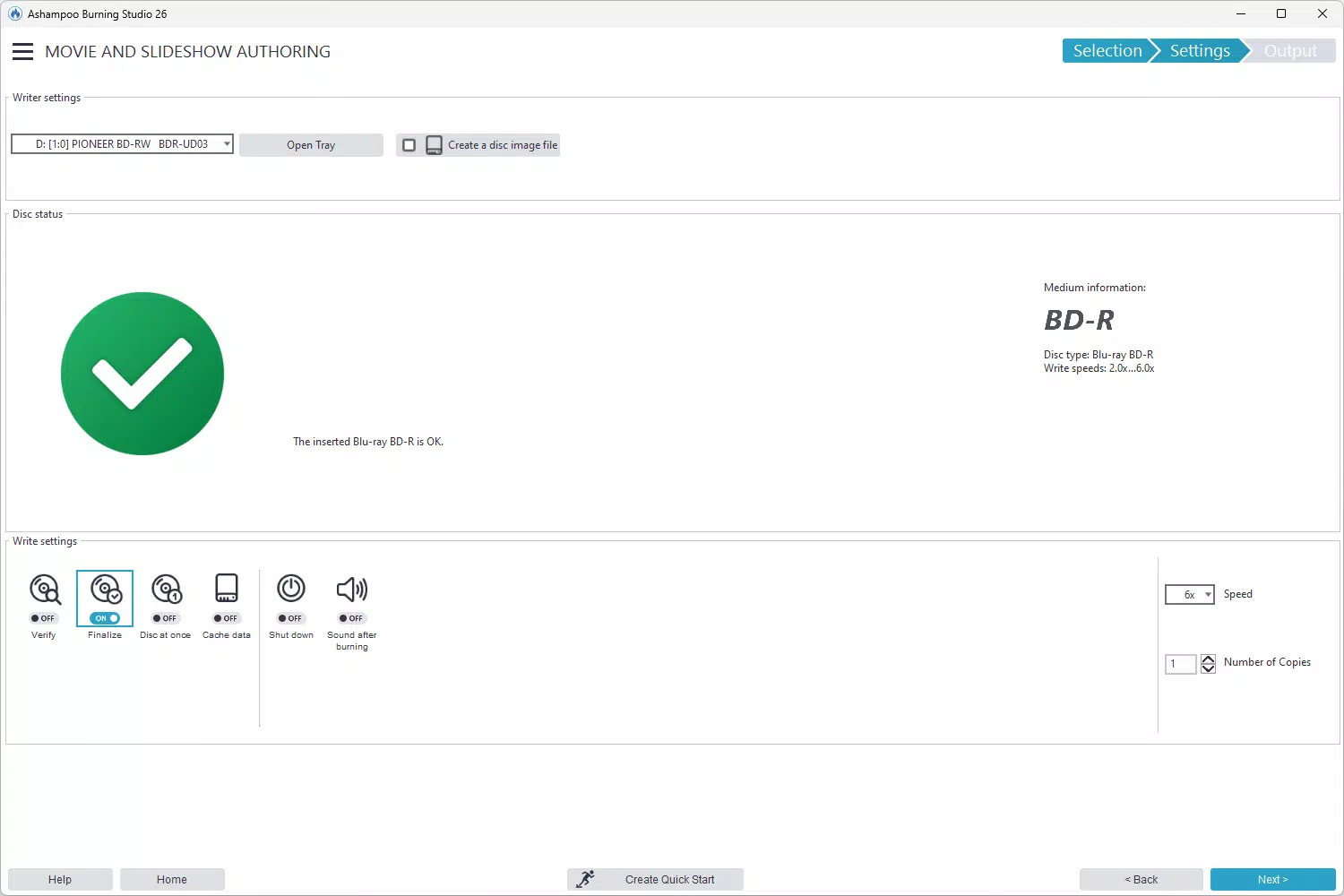
The user interface of Ashampoo Burning Studio 26 is designed with clarity and accessibility in mind. The main dashboard presents core functions in a logical layout, with clearly labeled sections for media creation, backup, and disc design. Navigation is straightforward, allowing users to switch between tasks without confusion. Visual cues and tooltips guide users through each step, reducing the risk of errors during complex operations.
Although the developer did not list formal performance metrics, the software operates smoothly on modern Windows systems, with responsive controls and minimal lag during file processing. The application maintains stability during long burning sessions, and the progress tracking system provides real-time feedback. Users can expect consistent performance across mid-range and high-end devices, though specific hardware requirements were not disclosed. The software handles large file transfers efficiently, and the interface remains fluid even when multiple tasks are queued.
For users working with multimedia content, the visual design supports quick access to editing tools, templates, and preview functions. The overall experience is optimized for productivity, with minimal interruptions. The absence of intrusive ads or third-party integrations further enhances the user experience. While no performance benchmarks were provided, the software’s design suggests a focus on reliability and usability over flashy animations or resource-heavy effects.
Platform Compatibility & Technical Requirements
Ashampoo Burning Studio 26 is designed exclusively for the Windows platform. It is compatible with modern Windows operating systems, though specific version requirements were not listed by the developer. The application has a file size of 343.1 MB, which is moderate for a full-featured utility with multimedia tools and backup capabilities.
Users should ensure their system has a compatible optical drive to take full advantage of the burning features. The software may require administrative privileges during installation and operation, particularly when accessing system-level backup functions. While the developer did not specify minimum OS requirements or hardware specifications, the application is expected to run on standard Windows desktops and laptops with sufficient storage and RAM. The lack of detailed technical information means users should rely on standard Windows compatibility guidelines when installing.
Pros and Cons
- Comprehensive media creation and backup tools in a single package
- Intuitive interface suitable for both beginners and advanced users
- Supports CD, DVD, and Blu-ray burning with advanced features
- Custom disc cover and booklet design with direct printing
- Smart file splitting and scratch protection for data security
- Automated audio CD creation and music library organization
- Price point of $49.99 may be high for casual users
- No information on system requirements or compatibility details
- Exclusive to Windows; no support for macOS or mobile platforms
- Requires physical optical drive for full functionality
- Not optimized for cloud-based workflows or modern digital distribution
FAQ
Is Ashampoo Burning Studio 26 safe to download and install?
Yes, the software is distributed through official channels and does not contain malware or intrusive ads. Users should ensure they download from the developer’s website to maintain security.
Can I use Ashampoo Burning Studio 26 on multiple computers?
The licensing terms were not disclosed. Users should consult the official purchase agreement for details on multi-device usage.
Does the software support burning to Blu-ray discs?
Yes, Ashampoo Burning Studio 26 supports burning data, movies, and music to Blu-ray Discs, in addition to CDs and DVDs.
Is there a free version available?
There is no free version or trial period mentioned. The software is sold as a one-time purchase at $49.99.
How often are updates released?
Regular updates are expected to maintain compatibility and security, but the update frequency was not specified by the developer.
Final Thoughts
Ashampoo Burning Studio 26 stands out as a powerful, all-in-one solution for users who rely on optical media for data preservation, multimedia creation, and backup. Its blend of professional-grade features and user-friendly design makes it a valuable tool for both personal and small business use. Whether you're archiving family videos, creating custom audio CDs, or distributing large data sets across multiple discs, the software delivers reliable performance and creative flexibility.
While the price may deter occasional users, the depth of functionality justifies the cost for those who regularly work with physical media. The lack of detailed system requirements and cross-platform support are notable limitations, but the software remains a strong contender in the Windows utilities space. For users seeking a secure, efficient, and feature-rich burning and backup tool, Ashampoo Burning Studio 26 offers a compelling solution.
Download Ashampoo Burning Studio 26 now


